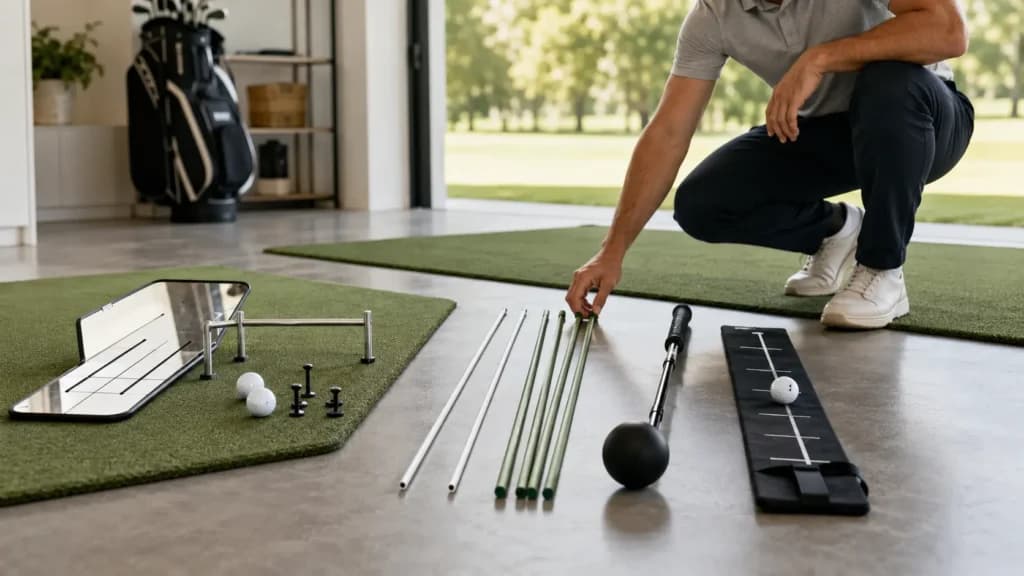
Guides
Published May 23, 2026How to Choose Golf Training Aids That Actually Help
Start with the issue in your game, then choose the training aid that gives you the clearest feedback for that issue.
Putting
Work on your setup and start line with drills you can repeat on the green or at home.
Diagnose the task
A missed putt does not tell you whether the setup changed, the ball started off line, or the pace did not match the read. When all three are judged from the final result, practice becomes a series of guesses.
Start by naming the job. Setup tools can provide a visual checkpoint. Gates and lines can show starting direction. Distance targets can organize pace. None of them guarantees a better stroke or score; their value is the specific feedback they make easier to repeat.
These patterns suggest that the practice task needs clearer separation and a more consistent reset.
A practical framework
Putting feedback becomes easier to interpret when setup, starting direction, pace, and transfer are checked separately rather than folded into one result.
Choose whether the set is about setup, start line, or pace. Use a target and distance that make that single job observable.
Use a mirror, line, gate, target, or camera only for the information it actually shows. A setup reference does not measure pace, and a gate does not explain every miss.
Repeat from the same station in short scored sets. Reset your routine before each putt instead of rolling balls continuously.
Remove the guide, vary the target or distance, and keep the same routine. This tests whether the skill survives beyond the original station.
Practice methods
Each method answers a different question. Combining them is useful only after you can tell which signal belongs to which part of the stroke.
Use a consistent camera view or flat visual reference to compare ball position, eye position, and shoulder line. Treat the picture as setup feedback, not a universal model.
Roll the ball through a gate or over a short line toward a target. Adjust the difficulty only after you can complete a scored set at the current width or distance.
Putt to a stopping zone at more than one distance. Record finishes long, short, and inside the zone so pace practice has a result beyond make or miss.
Tool categories
Start with the question you want answered. A chalk line, tees, coins, or another simple reference may serve a drill; choose a product category only when it makes the setup clearer or more repeatable.
Mirrors and visual references can show parts of the address position. They provide a picture to compare, not proof of one correct setup for every golfer.
Gates, lines, and narrow targets can make the ball's starting direction visible. Difficulty depends on gate width and distance, so progress the station deliberately.
Distance markers and stopping zones organize pace practice without turning every repetition into a make-or-miss test.
Tool categories
This improvement goal does not yet have a dedicated published collection. Browse the current shop or use the practice guidance while the product relationship is developed.
Browse all toolsRead before you buy
Use the current selection guides to choose the feedback job first and the home-practice guide to build a simple putting station without relying on product claims.
Guides
Published May 23, 2026Start with the issue in your game, then choose the training aid that gives you the clearest feedback for that issue.
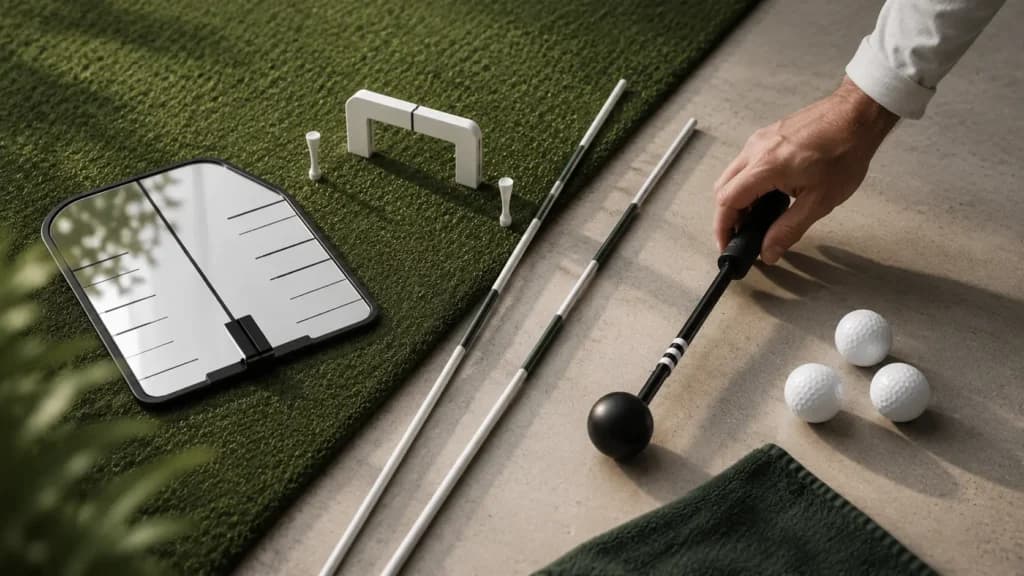
Guides
Published May 23, 2026The best beginner golf training aids make practice simpler by giving you feedback you can feel, see, or repeat.
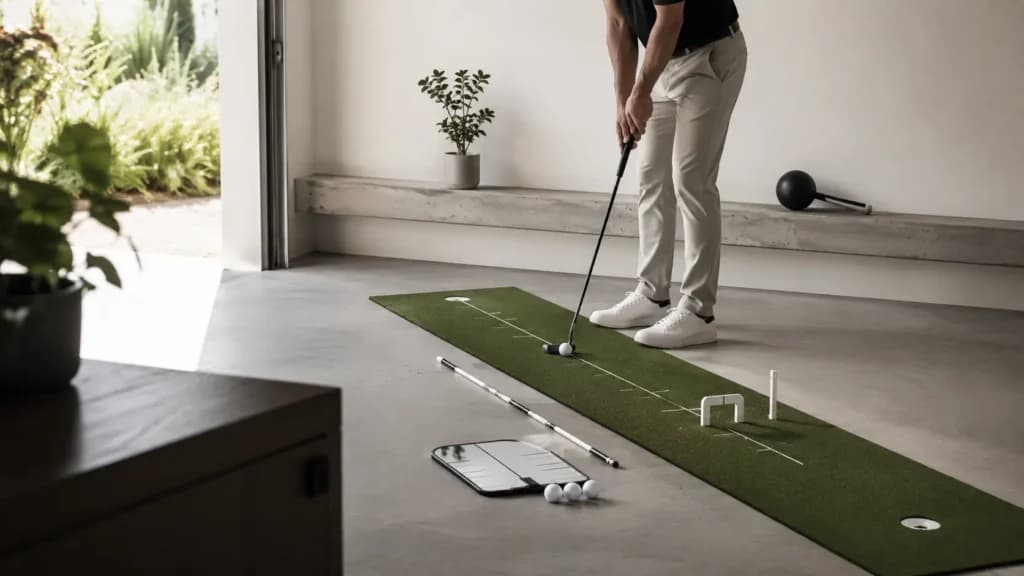
Drills
Published May 23, 2026Build better habits between rounds with focused drills for putting, alignment, tempo, impact, and chipping contact.
Related goals
Putting shares setup discipline with alignment practice, and it adapts naturally to many limited-space home sessions.
Practice tips
Email signup is not active yet. Contact details and an email marketing provider are required before subscriptions can be collected.
© 2026 Darts Not Divots. All rights reserved.